Remote Vehicle Photo Control & Mileage Tracking in Taxi Fleet Manager
Monitoring vehicle condition does not require bringing drivers into the office every week. Inside the Taxi Fleet Manager and Driver Desk ecosystem, a built-in photo control workflow lets managers request inspections, drivers submit photos with their current odometer reading, and the system automatically updates vehicle mileage upon approval.
Why fleets and car rentals need structured photo control
When inspection photos are collected in messenger chats, images get buried, it is hard to see which drivers have already completed an inspection, and odometer values still have to be copied into vehicle profiles manually.
In Taxi Fleet Manager, every photo control is tied directly to a specific vehicle and its assigned driver. Each request follows a clear lifecycle — from dispatch to review and mileage logging.
What angles and data are included
By default, all 5 standard positions are selected when creating a request, though a manager can uncheck any items and ask only for what is needed right now (for example, only the odometer or only front and rear views):
Standard Photo Control Checklist
Request all 5 views or select specific angles for the check
4-Side Exterior View
- front view (
FRONT); - rear view (
BACK); - left side (
LEFT); - right side (
RIGHT).
Dashboard & Mileage
- odometer photo (
SPEEDOMETER); - current mileage entered by the driver;
- verification by the manager before approval.
Step 1. Requesting photo control from the fleet app
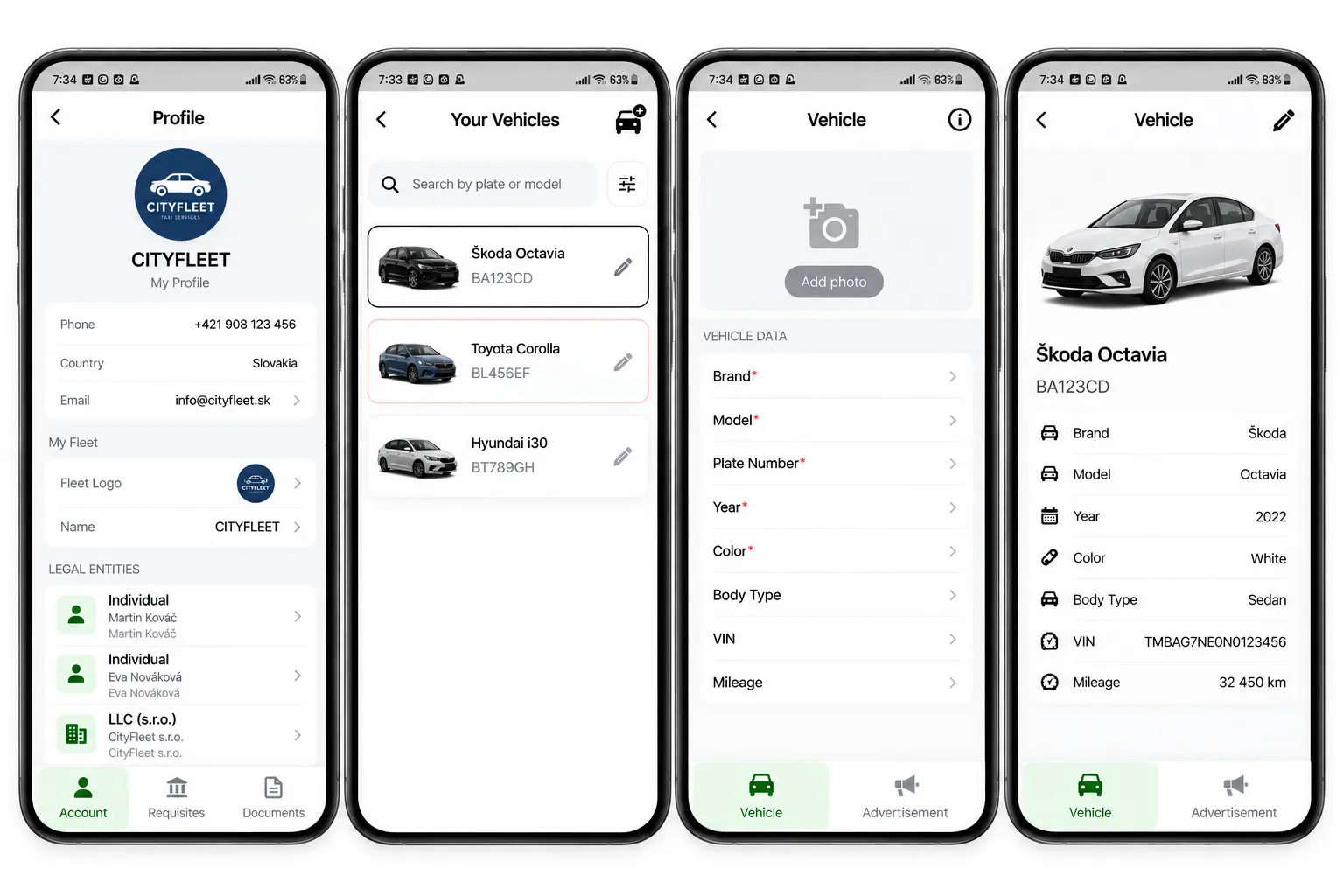
To start an inspection, the manager opens a vehicle profile in Taxi Fleet Manager (the vehicle must have an assigned driver) and taps “Photo Control”.
Before sending, the manager confirms the required angles. The new request enters the Requested (REQUESTED) state and immediately triggers a push notification to the driver. Any previous photo control and old images for that vehicle are automatically cleaned up so storage stays tidy.
Step 2. Taking photos and submitting mileage in Driver Desk
The driver taps the notification or opens the “Photo Control” tab in Driver Desk. The screen clearly lists every requested angle along with a field to enter the current odometer reading.
Once the photos and mileage are submitted, the status changes to Submitted (SUBMITTED) and the fleet owner or manager receives a notification that the report is ready for review.
Step 3. Review queue and status lifecycle
In the photo control list inside Taxi Fleet Manager, inspections are automatically sorted by priority so pending reviews never get overlooked:
- Submitted (
SUBMITTED) — shown first, waiting for manager review. - Requested (
REQUESTED) — the driver has received the task but has not submitted yet. - Rejected (
REJECTED) — returned to the driver with a clear reason for a retake. - Approved (
APPROVED) — inspection passed and closed.
Automatic mileage updates upon approval
When reviewing a Submitted inspection, the manager checks each photo and compares the odometer image against the mileage entered by the driver.
If the driver mistyped a digit, the manager can adjust the mileage value right before approving. Once marked Approved (APPROVED):
- the vehicle's mileage is automatically updated in its profile (if the new reading is higher than the current one);
- a mileage log entry tagged with photo control and the submission date is recorded;
- the driver receives a notification confirming the inspection passed.
This keeps vehicle mileage accurate for scheduled maintenance reminders and excess-mileage billing.
Rejecting an inspection and requesting specific retakes
If a photo is blurry, too dark, or misses the required angle, the manager does not need to explain it in a separate chat. When rejecting (REJECTED), the manager enters a rejection reason and can mark only the specific photos that need to be retaken.
The driver sees the exact reason directly on the Photo Control screen in Driver Desk, retakes the flagged photos, and submits again — moving the request back to Submitted.
Benefits for your fleet
- Remote vehicle checks — inspect exterior condition and odometers without pulling drivers off the road.
- Accurate odometer history — verified mileage updates the vehicle card and service log automatically.
- Clear driver feedback — if a photo is rejected, the driver knows exactly which shot to redo and why.
- Organized team workflow — pending reviews always stay at the top of the queue with full status tracking.