Document Templates and Electronic Signatures: Automating Agreements with Drivers
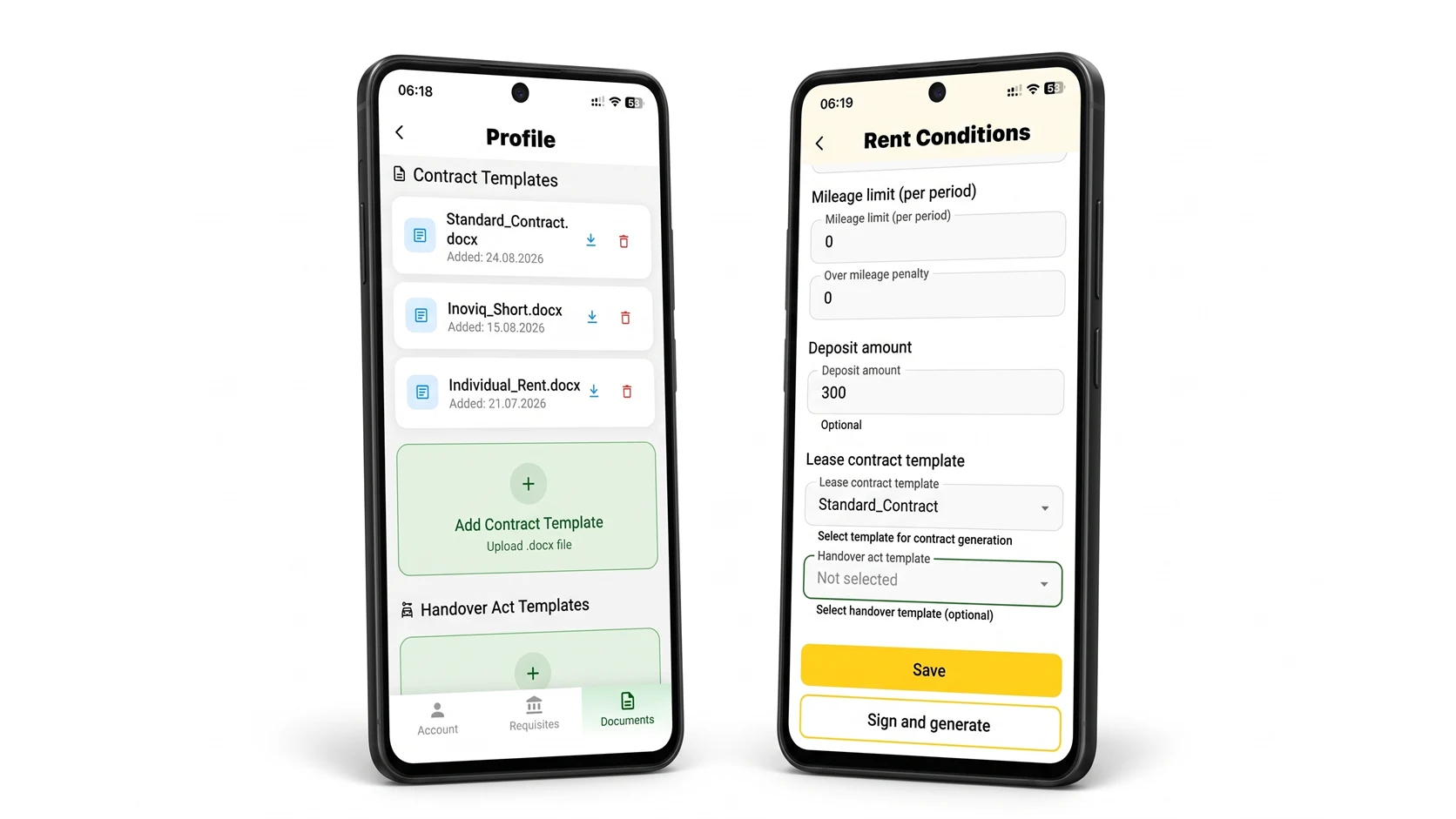
Fleet operations often involve managing a high volume of repetitive paperwork: vehicle rental agreements, vehicle handover protocols, driver contracts, and other standard forms.
In Taxi Fleet Manager , you can turn a standard Microsoft Word document into a reusable template. Driver details, vehicle information, company data, rental conditions, and other terms are populated automatically, and the completed agreement can be sent directly to the driver in the Driver Desk app for signing.
Instead of manually copying full names, VIN numbers, license plates, rental rates, company banking details, and other terms every single time, you simply prepare a template once and reuse it continuously.
How Car Rental Agreement and Handover Protocol Templates Work
Taxi Fleet Manager uses templates in DOCX format with special tags.
A tag is a placeholder code that the system replaces with actual database records when creating a document.
For example, instead of typing the driver's name, you insert: {driver_name}
Instead of the vehicle's license plate: {vehicle_plate}
When generating an agreement, Taxi Fleet Manager automatically replaces these tags with data already stored in the system.
At the same time, the document remains entirely yours. You retain the exact legal wording, contract clauses, tables, company logo, formatting, and layout of blocks.
How to Prepare a DOCX Car Rental Agreement Template
Create an agreement in Microsoft Word, LibreOffice Writer, or any editor that supports the DOCX format. Format the document just as you normally do in your business operations.
Replace variable data that changes from one agreement to another with Taxi Fleet Manager tags:
Driver: {driver_name}
Address: {driver_address}
Vehicle: {vehicle_brand} {vehicle_model}
License Plate: {vehicle_plate}
VIN: {vehicle_vin}
Rental Rate: {rent_amount}
Rental Period: {rent_period}
Rental Start Date: {lease_start_date}
Special tags are used for electronic signatures:
{%fleet_signature}— fleet signature{%driver_signature}— driver signature
Signature tags differ from standard text tags as they include the % symbol. To avoid errors, copy tags directly from Taxi Fleet Manager.
Upload Contract and Vehicle Handover Protocol Templates to Taxi Fleet Manager
Navigate to the document templates section. The system supports two primary template types:
- Contract templates — for vehicle rental agreements and driver contracts.
- Handover protocol templates — for vehicle acceptance and inspection acts during handover.
Click “Add Contract Template” or “Add Handover Template”, select your DOCX file, and provide a descriptive title (such as: “Standard Rental Agreement” or “Vehicle Handover Protocol”).
Once uploaded, the template is stored in your fleet's document library and can be reused anytime. You can keep multiple templates for a single fleet — such as different rental agreements, handover acts, or contracts for different corporate entities.
Automatically Generate Car Rental Agreements and Handover Protocols
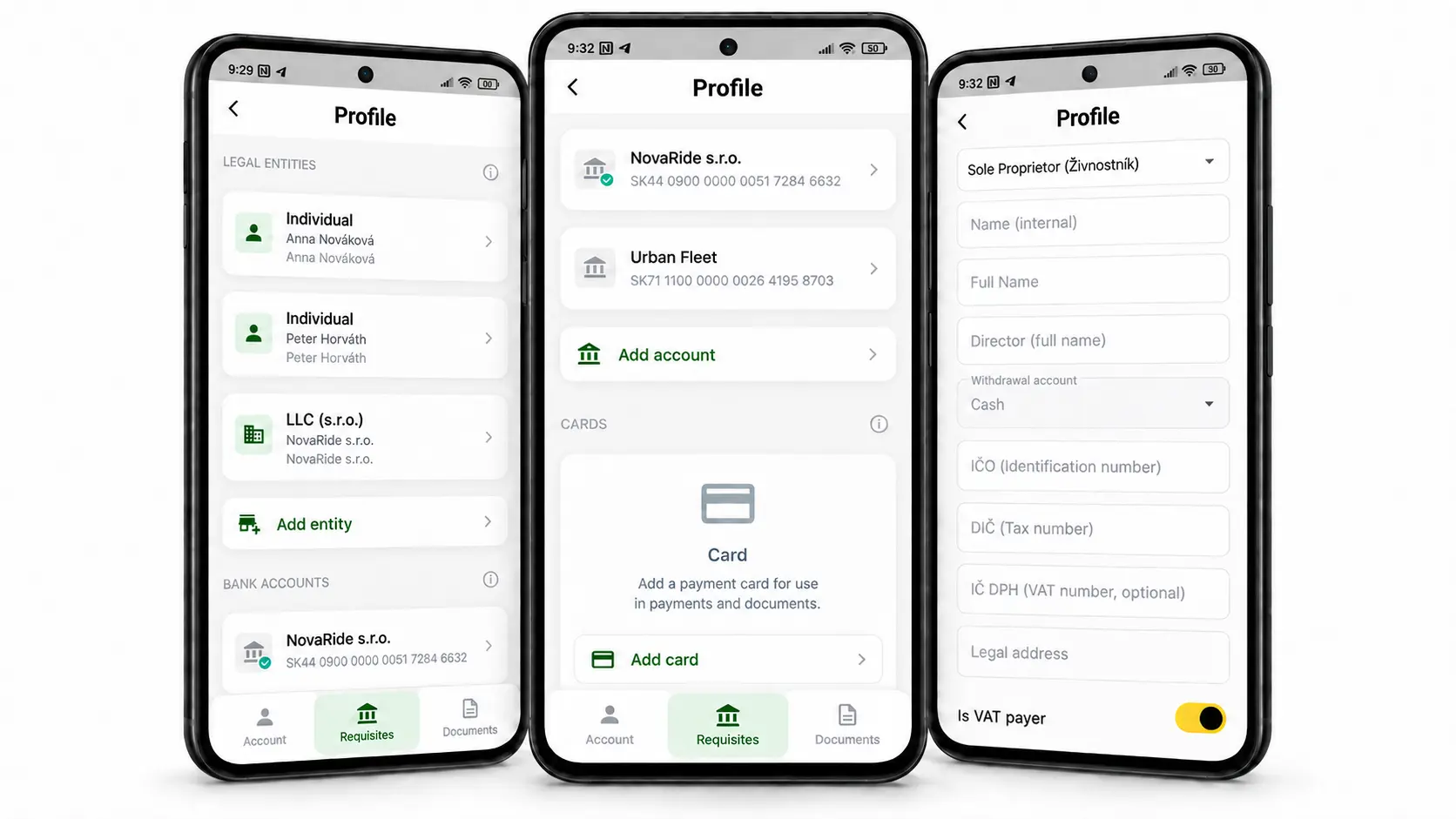
When drafting an agreement, select the driver, vehicle, legal entity, rental period, and template. Taxi Fleet Manager automatically pulls the data already recorded in the system and inserts it into the document.
Agreements can automatically incorporate:
All key fields are auto-populated from profiles in one click without manual data entry
Company & Fleet
- fleet and company legal entity data;
- company business address;
- tax identification numbers;
- bank payment details.
Driver
- driver personal details;
- phone number and email;
- digital signature in Driver Desk.
Vehicle
- vehicle make and model;
- license plate number;
- VIN number;
- year of manufacture and color;
- current odometer reading.
Rental Terms & Signatures
- rental start and end dates;
- rental rate;
- billing frequency;
- deposit (security bond);
- mileage limit and excess mileage rate;
- signing date and signatures of both parties.
After processing, the system generates a completed DOCX file and, when conversion is available, a PDF document. Fleet owners and managers no longer need to manually draft individual agreements for each driver.
Add Fleet Signature
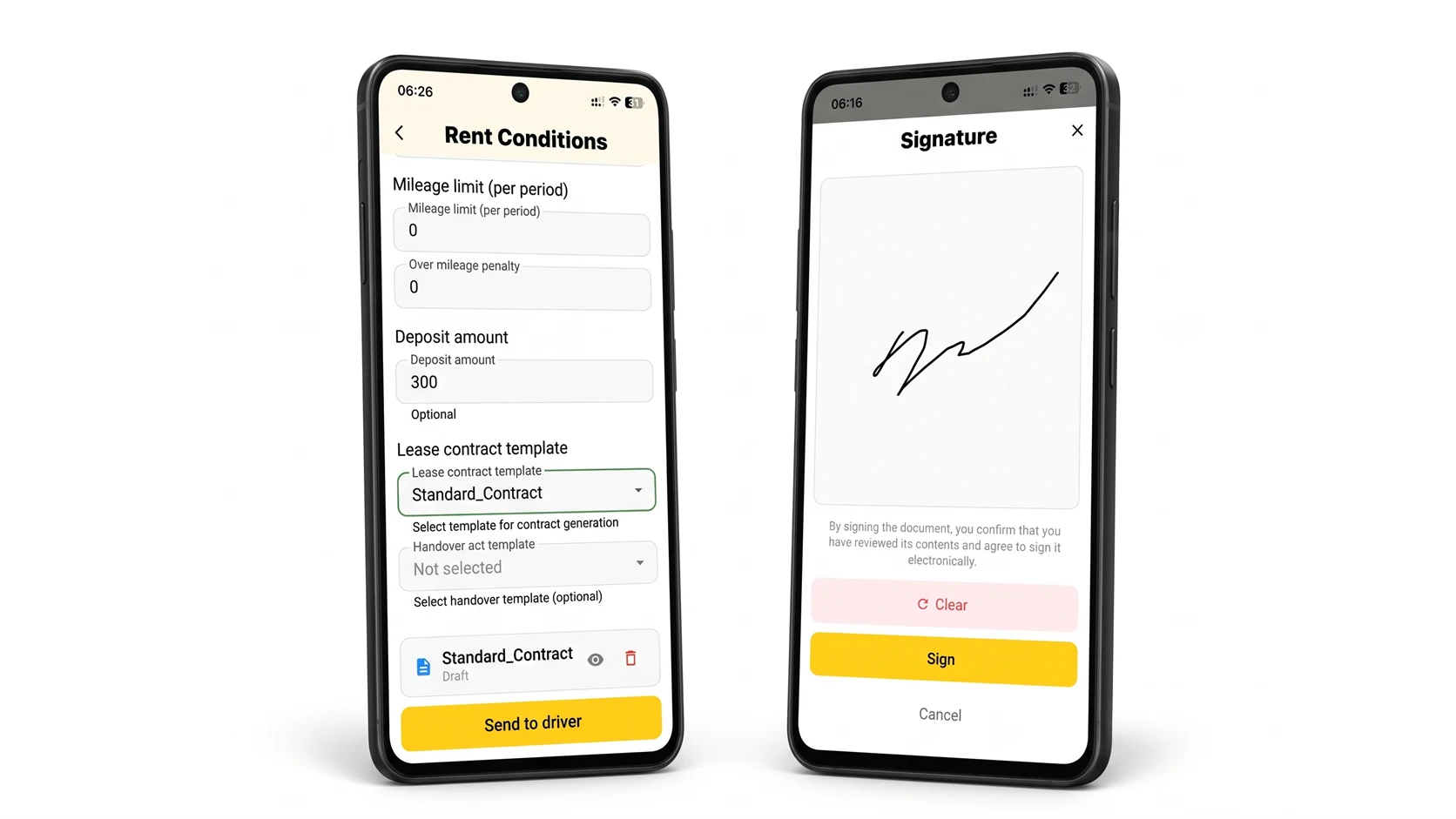
When creating the contract, the fleet representative can place their signature directly inside Taxi Fleet Manager. It is automatically inserted where the {%fleet_signature} tag is located.
Once created, the agreement is set to “Draft” status.
Send Agreement to Driver
Once the document is ready, send it to the driver directly from Taxi Fleet Manager. The status updates from “Draft” to “Awaiting Driver Signature”.
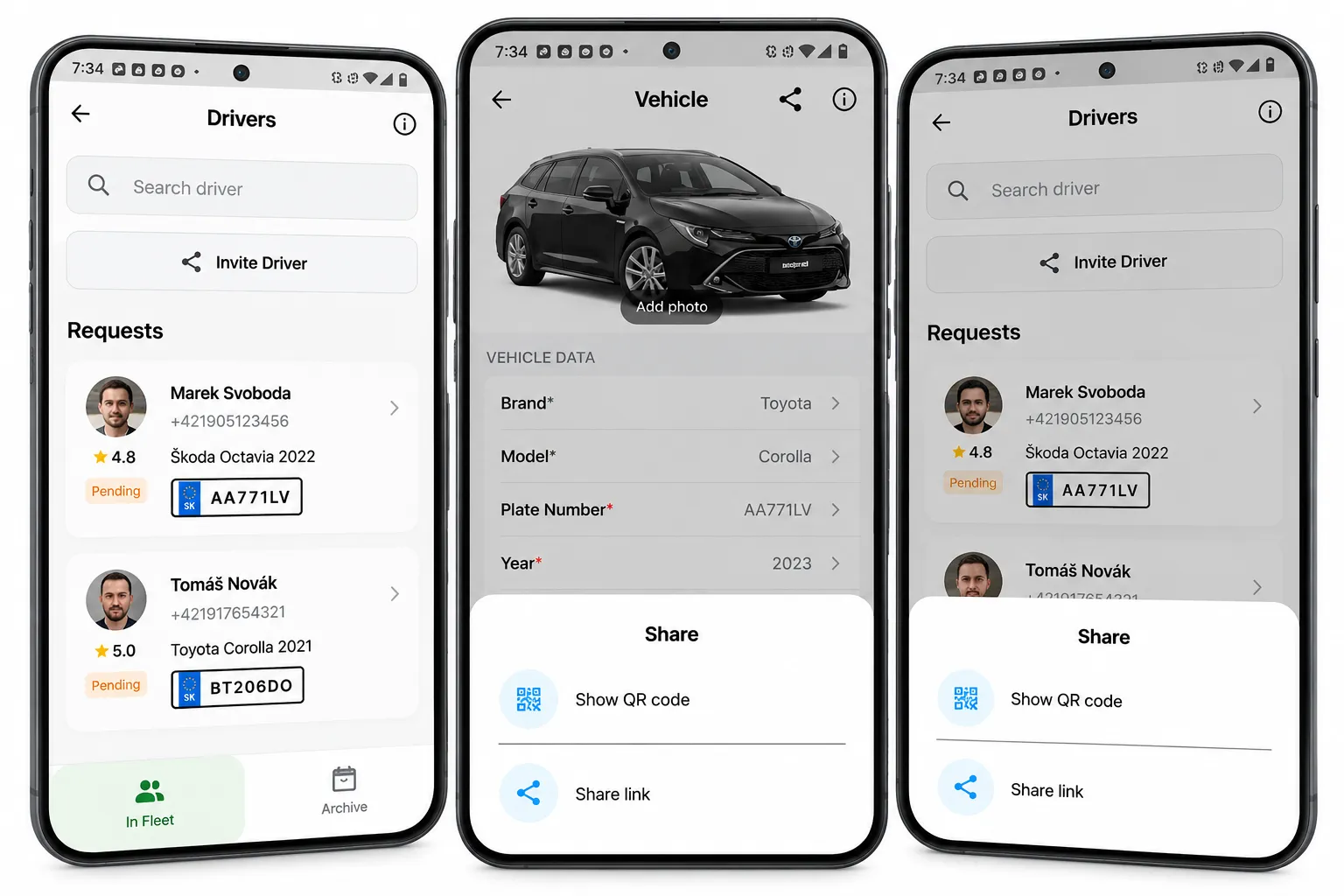
The driver receives an instant notification in the Driver Desk app. Before signing, they can open and review the full generated document.
No need to exchange Word attachments over chat apps, print hard copies, wait for photos of signed papers, or manually file documents.
Electronic Contract Signature by the Driver in Driver Desk
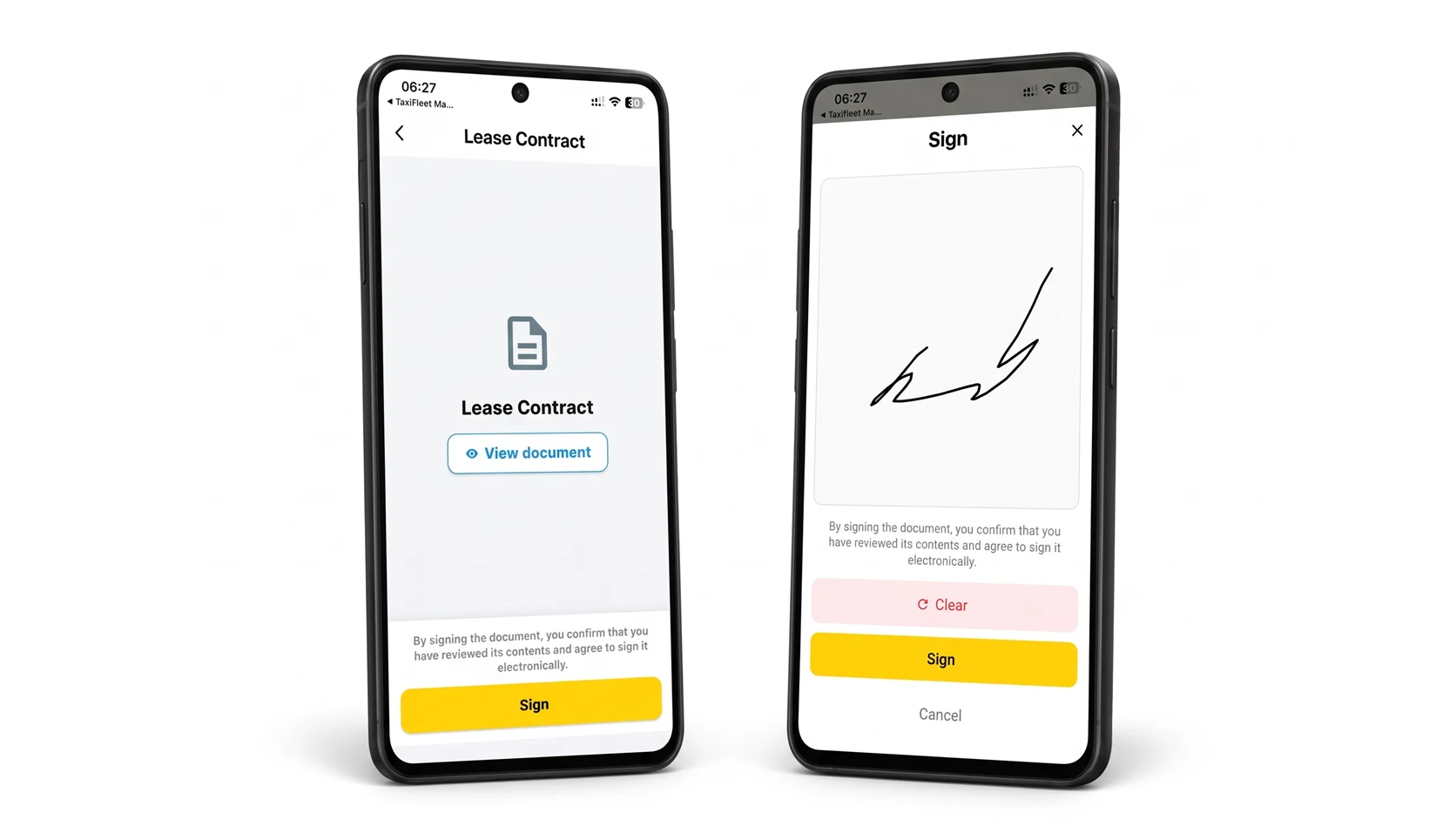
When an agreement awaits signature, Driver Desk displays a “Sign” button. The driver opens the signing pad and signs right on their phone screen.
Upon confirmation, the signature is securely uploaded to the system and attached to the agreement. Taxi Fleet Manager regenerates the document with both signatures placed in their respective locations:
{%fleet_signature}— fleet signature{%driver_signature}— driver signature
The status changes to “Signed”. Both fleet manager and driver work with the exact same document record and digital archive.
Convenient Tag Module
To avoid searching for tags manually, Taxi Fleet Manager provides an interactive tag directory with country switching: 🇸🇰 Slovakia | 🇺🇦 Ukraine.
Selecting a country displays the full set of fields organized by category. Click any tag to instantly copy it to your clipboard for pasting into your DOCX template.
One Template — Unlimited Agreements
Full Document Control Remains in Your Hands
The primary advantage of the system is total flexibility without rigid restrictions. You define every single aspect of your document:
How daily workflow transforms:
All core records are already organized in the system and reused automatically. This eliminates human errors with incorrect VINs, registration plates, driver names, company accounts, or pricing figures.
Why Fleets Choose This Workflow
Templates are particularly valuable when fleets regularly welcome new drivers or expand their vehicle roster. Instead of drafting contracts from scratch each time, you utilize a standardized template. The platform automatically inputs current parameters for the driver and car.
Drivers get on the road promptly without paperwork delays
Automatic profile data autofill eliminates clerical typos
All agreements and handover acts follow a unified company standard
Contracts stay neatly organized inside driver and vehicle profiles
Clear oversight across every approval and signing stage
Quickly spot which documents are still awaiting driver signature
No more manual file clutter across chat threads and email attachments
Important Notice
Taxi Fleet Manager automates document preparation and the in-app signing workflow. The system does not draft legal text automatically and does not replace legal counsel. The fleet owner/operator is solely responsible for ensuring that used templates comply with applicable laws and industry regulations.